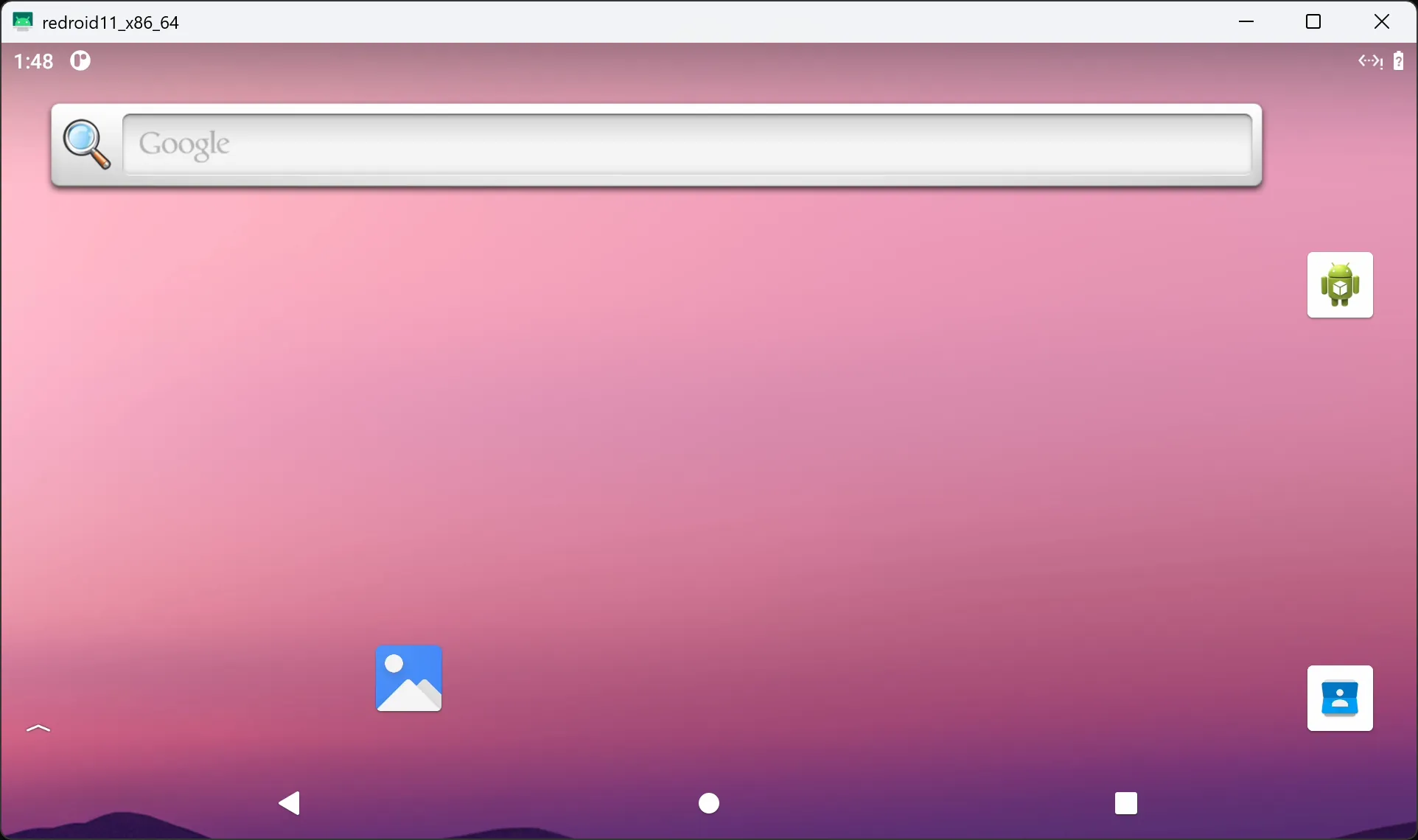
Proxmox VE LXC 容器运行 Redroid
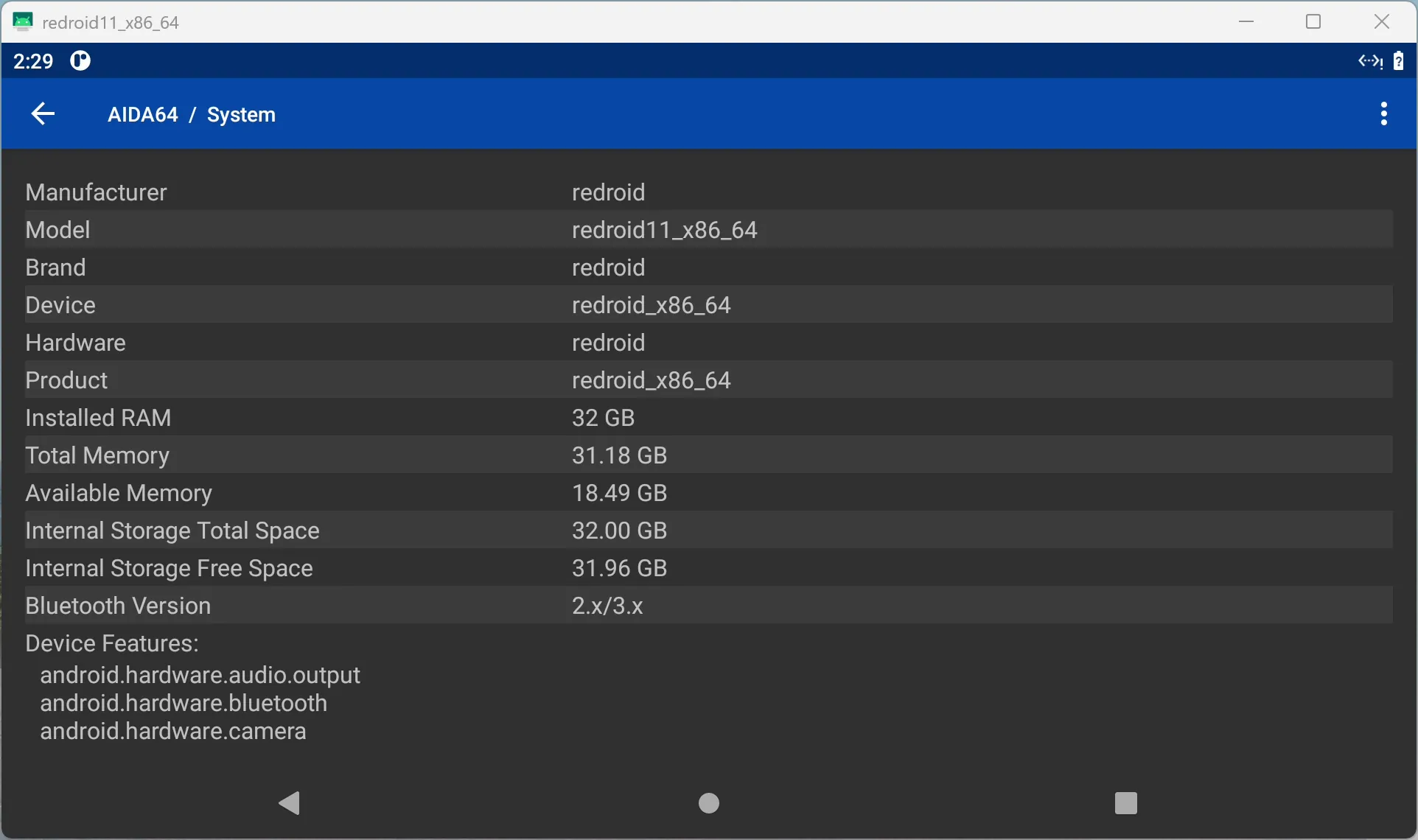
概要
Redroid 是一个在 Docker 上运行 Android 的项目。
我想在PVE上通过LXC运行 Redroid,但网上没有现成的教程,找到唯一相关的是 一篇2024年论坛帖子, 卡在把镜像转换为 PVE 容器这一步。
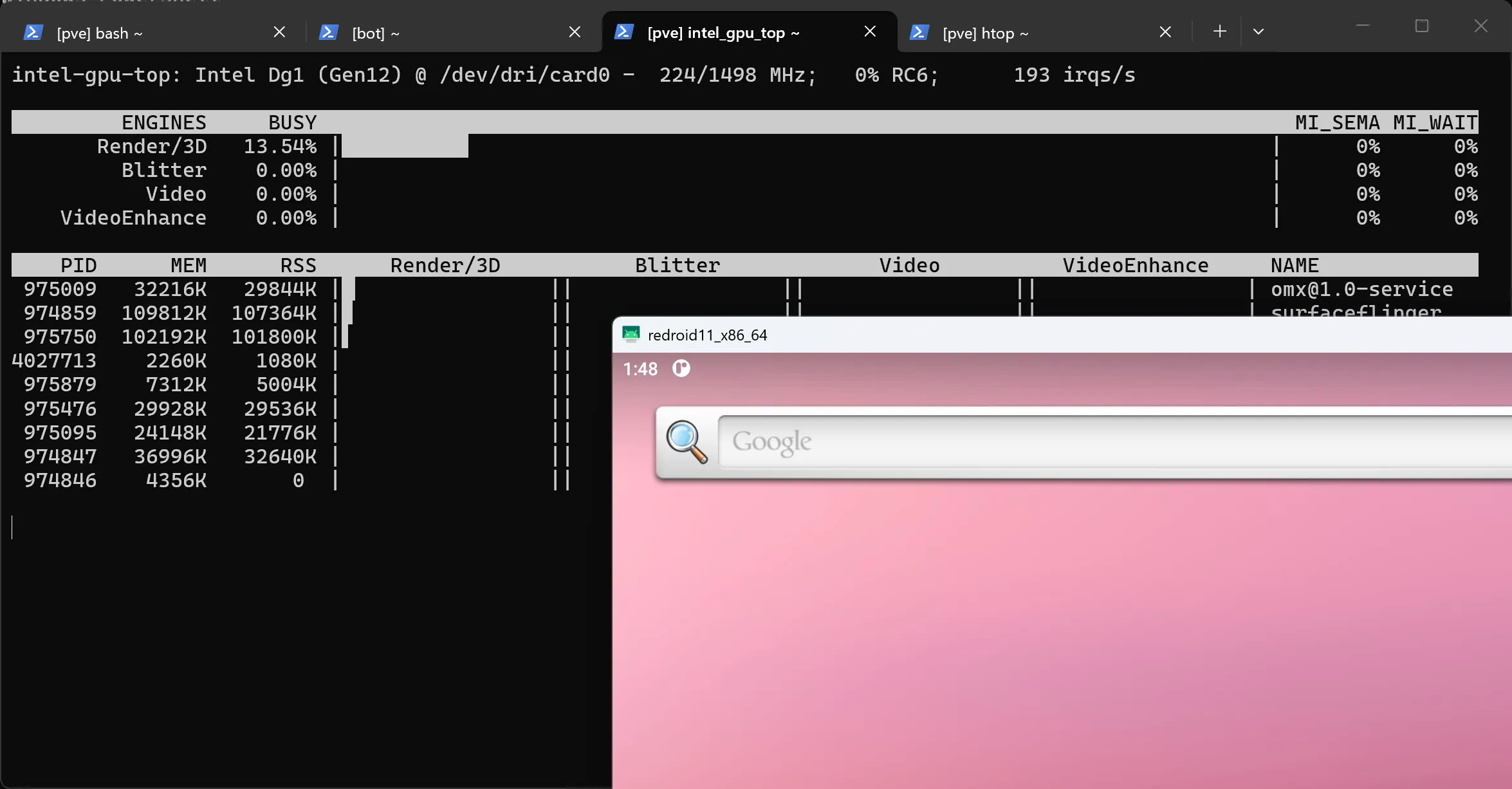
在 Claude 的帮助下,我成功实现了容器内启动以及使用显卡加速(不过初始目标运行明日方舟没有成功,无法通过反作弊SDK)。显卡为 Intel DG1,如果不需要,可能需要对脚本作相应修改。
如果你想看 Claude 写的英文完整版,请点击此处。
环境要求
- PVE 9.1+
- 9.1+ 加入了
entrypoint和host-managed容器选项
- 9.1+ 加入了
- 内核提供
binderfs pve-container6.1.13+- 6.1.13+ 修复了 privileged 容器设备直通
skopeo,umoci,jq
| |
快速开始
- 下载脚本,编辑最上面的配置
sudo bash redroid-pve.sh, 解包约 2 GB 数据- 运行
adb connect <ip>:5555和scrcpy -s <ip>:5555 --no-audio连接
TRANSLATOR=ndk 使用搭载 Google ARM 转译器的官方镜像,
TRANSLATOR=houdini 使用社区镜像,需要 Intel CPU。
RENDER 留空使用软件渲染。
使用方式
- 操作:
scrcpy -s <ip>:5555 --no-audio- 不带
--no-audio会失败
- 不带
- 终端:单次执行
adb shell <cmd>adb shell不能用
- 日志:
adb logcat - 关机:
adb shell reboot -p或者pct stop <ctid>
日志刷屏
如果遇到日志刷屏:
| |
可以运行该行代码解决:
| |